Browse
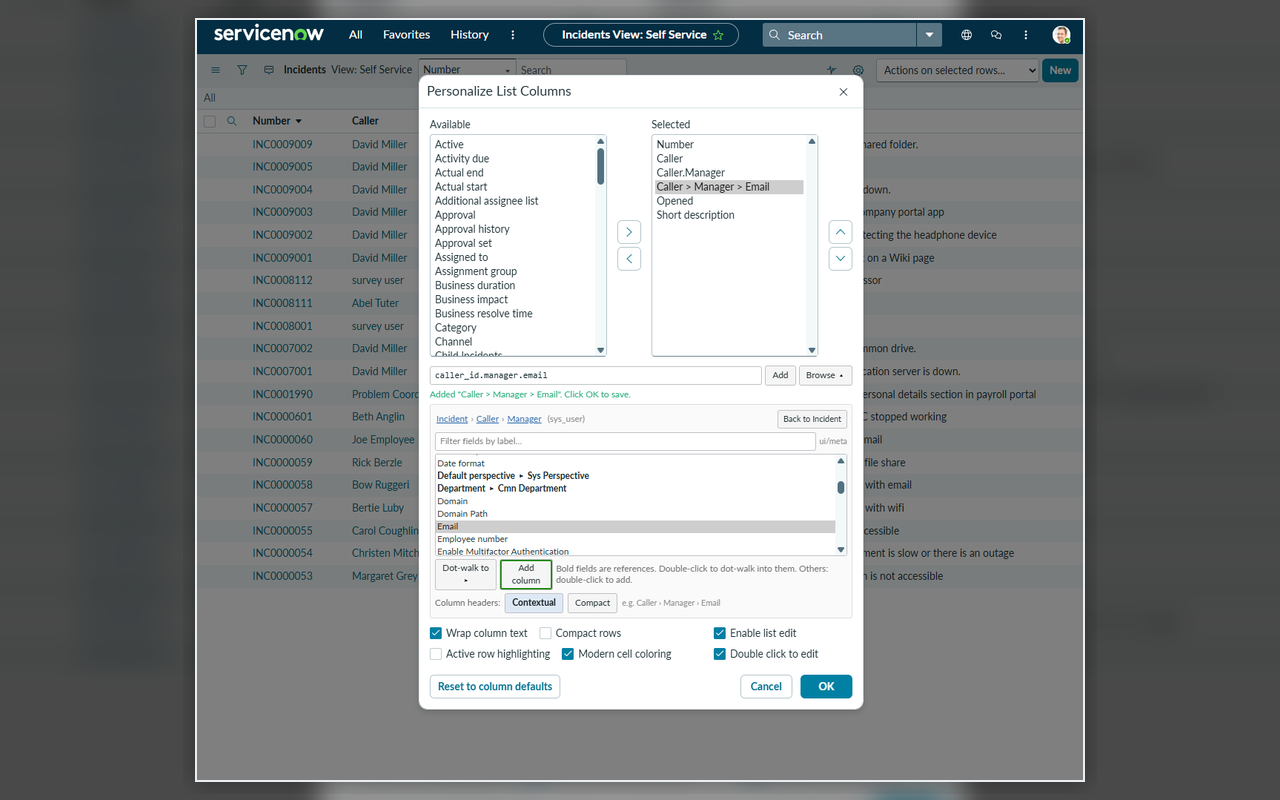
Open Personalize List Columns, click Browse, and walk the fields by name: Caller, then Manager, then Email. Reference fields are marked so you know where you can dot-walk next; the breadcrumb or "Back to Incident" steps you back out. Already have a related column? Select it in the dialog and Browse jumps straight to it. Prefer typing? Enter a path like caller_id.manager.email.
Use
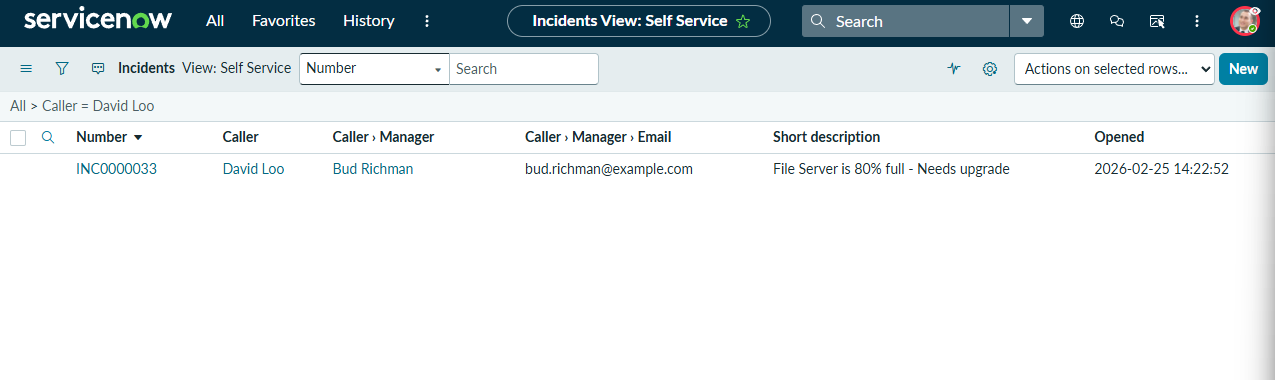
The new column lands right next to its parent, so Manager sits beside Caller. Click OK and it is saved to your own list layout, exactly like a built-in column. Choose Contextual headers (Caller › Manager › Email) or Compact (Email) from the Browse panel; either way the technical path stays in the header tooltip.
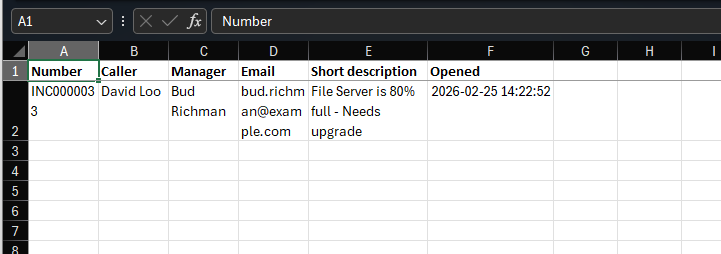
Export
Use ServiceNow's normal export. The related columns come along with everything else. No report to build, no admin to ask.